|
OverView
Quick Start
- The Main Page
- Setup
- Server List
- Server Select
- Rule List
- Edit Rule
- E-Mail Setup
|
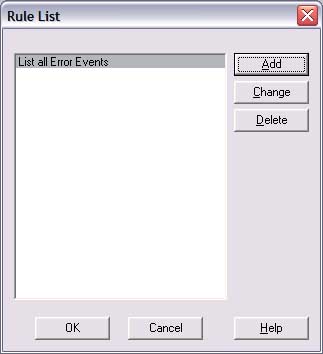
This dialog allows you to set up rules for LEM. Every time a
new event is loaded from a server, LEM will check that event against the list
of rules you set up. If one of the rules if found to be "true", then LEM
will process the rule (setup inside the rule).
Areas of interest:
-
Add. Press this to add a new rule
-
Change. Click on a rule and press the change button to
change the selected rule. NOTE: Double clicking in the List is the same
thing as clicking Change on a rule.
-
Delete. Press this to delete the rule
-
OK. Save all changes
-
Discard all changes.
-
Help. Bring up this screen
|